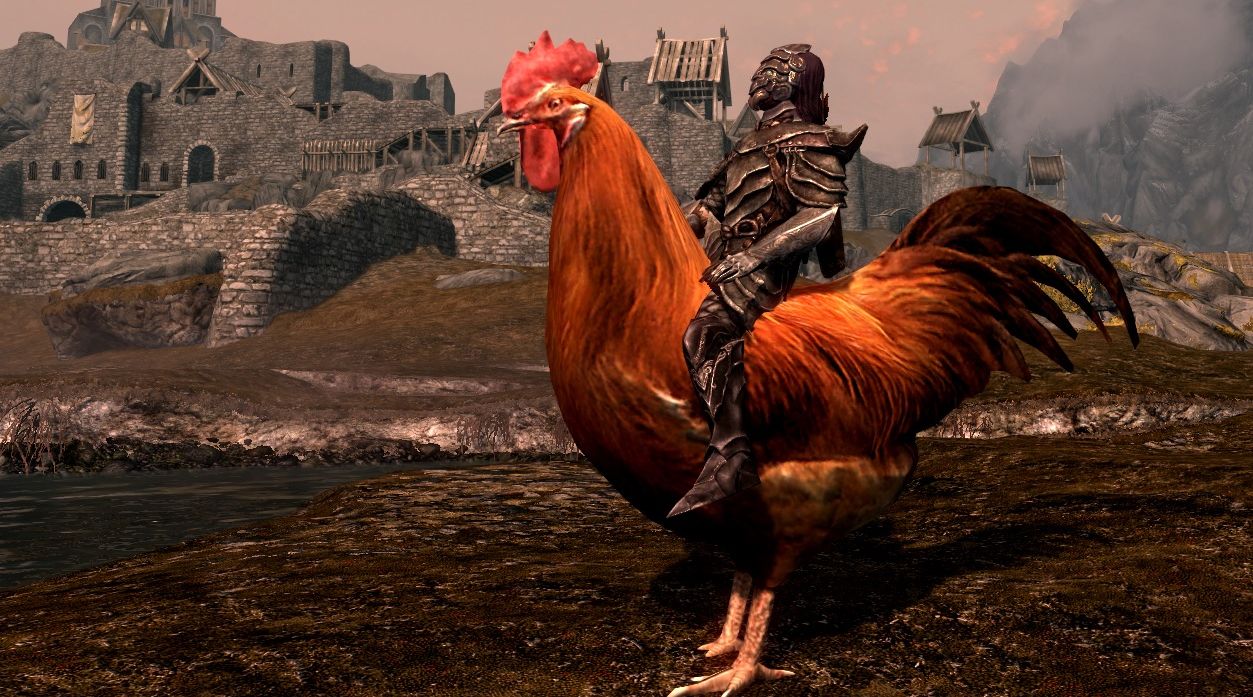
Modding has become an integral part of PC gaming culture, allowing players to customize, improve, or completely overhaul their favorite titles. Whether you’re fixing minor bugs, adding new items, or transforming entire game worlds, mods offer endless opportunities to tailor your gaming experience. For newcomers, entering the world of modding can seem daunting, but with the right guidance, you can unlock a whole new dimension of gameplay. This guide is designed to introduce you to the basics of modding, highlight the most popular sites to find mods, and provide essential tips to get you started confidently.
The Biggest Sites for Mod Distribution
Steam Workshop
For those just starting out, the Steam Workshop is an excellent platform to explore. It hosts a vast collection of mods for hundreds of supported games, ranging from popular titles like Cities: Skylines and Portal 2 to less mainstream games. Mods are typically categorized by type, such as graphics, gameplay tweaks, or new content, making it easy to find what you’re interested in. You can search for specific mods using keywords and see which are most popular based on user votes and download counts.
Installing mods through the Workshop is incredibly straightforward—simply hit the subscribe button, and the game will automatically download and install the mod the next time you launch it. Removing mods is just as simple: click unsubscribe, and the mod will be disabled or deleted. Some games feature in-game menus that let you activate or deactivate mods without restarting the game, streamlining the mod management process.
Nexus Mods
While the Steam Workshop is ideal for smaller and simpler mods, more complex modifications often require additional tools. Nexus Mods is a comprehensive platform hosting both simple and sophisticated mods for over 600 titles, notably including Bethesda’s RPGs such as Skyrim, Oblivion, and the Fallout series. The site also offers a wealth of mods for franchises like The Witcher, Mount & Blade, Mass Effect, and many more.
Creating a free account unlocks access to download files, and Nexus provides its own mod manager called Vortex, which simplifies installation, updates, and conflict resolution. The community of over 15 million members actively shares mods, reviews, and spotlight features that showcase exceptional creations. Nexus Mods also incentivizes modders through a reward system, encouraging high-quality content creation.
Mod DB
Established in 2002, Mod DB is a longstanding community hub for game modifications. It features a wide array of mods for older and classic titles like Doom, Half-Life, and Total War. This site is especially useful for finding mods for legacy games that may not be available on newer platforms. Mod DB also hosts the Mod of the Year Awards, where users vote for their favorite projects, promoting recognition for talented modders and their work.
Additional Resources
Beyond the major sites, there are niche communities dedicated to specific games. For example, GTA5mods.com and GTAxScripting are popular for Grand Theft Auto V, while Minecraft players often visit forums like Minecraftforum.net. For MMO and add-on content, CurseForge is a go-to resource.
Our Favorite Mods
If you’re eager to jump into modding, keep an eye on our regularly updated articles highlighting the best mods across various games:
Interesting:
- Total conversion mods
- Skyrim and Skyrim Special Edition enhancements
- Morrowind, Witcher 3, and Minecraft expansions
- Modern favorites like Fallout 4, Ark, and No Man’s Sky
- Strategy and simulation mods such as Total War and Stardew Valley
Exploring these curated lists can help you discover high-quality content that dramatically enhances your gameplay.
Modding Tips
Always Back Up Your Saved Data
Modding can sometimes cause unexpected issues, including corrupted saves or game crashes. Before installing any mod, create a secure backup of your save files. This way, if something goes wrong, you can restore your progress without losing hours of gameplay. Keep a separate copy of a clean save, especially before applying large or complex mods.
Exercise Caution When Modding Online Games
Modding single-player games is generally safe, but online multiplayer titles require extra caution. Many multiplayer games like Ark, Rust, or Team Fortress 2 support mods, but using certain modifications may be considered cheating or violate the game’s terms of service. This can lead to bans or account suspensions. Always verify whether the mod is permitted in multiplayer environments, and avoid using any that could give unfair advantages.
Use Notepad++ for Editing Files
Sometimes, mods require manual adjustments to configuration files such as `.ini` or `.txt` files. Notepad++ is a versatile tool that makes editing these files safer and easier than standard Notepad. Carefully following instructions from the mod creator ensures compatibility and stability.
Read Mod Descriptions and Community Feedback
Before downloading, thoroughly read the instructions provided on the mod page. Many mods have specific installation steps, compatibility notes, or conflicts with other mods. User reviews and comments can also offer helpful solutions if you encounter issues. Paying attention to these details helps prevent frustration and ensures a smoother modding experience.
Stay Updated and Keep Your Mods Organized
Regularly check for updates to your installed mods, especially after game patches, to maintain stability. Using a mod manager like Vortex can help organize your collection, manage conflicts, and update files automatically. Proper organization reduces errors and makes your modding process more manageable.
—
Modding opens up a world of creative possibilities for enhancing your PC gaming adventures. Whether you’re fixing minor issues, adding new content, or transforming entire games, understanding where to find mods and how to install them safely is key. For a deeper dive into creating engaging experiences on smaller screens, explore resources on crafting immersive mobile interactions, and for those interested in advanced customization, the field of 3D mobile app development offers exciting opportunities. Embrace the modding community, experiment responsibly, and enjoy your personalized gaming universe.